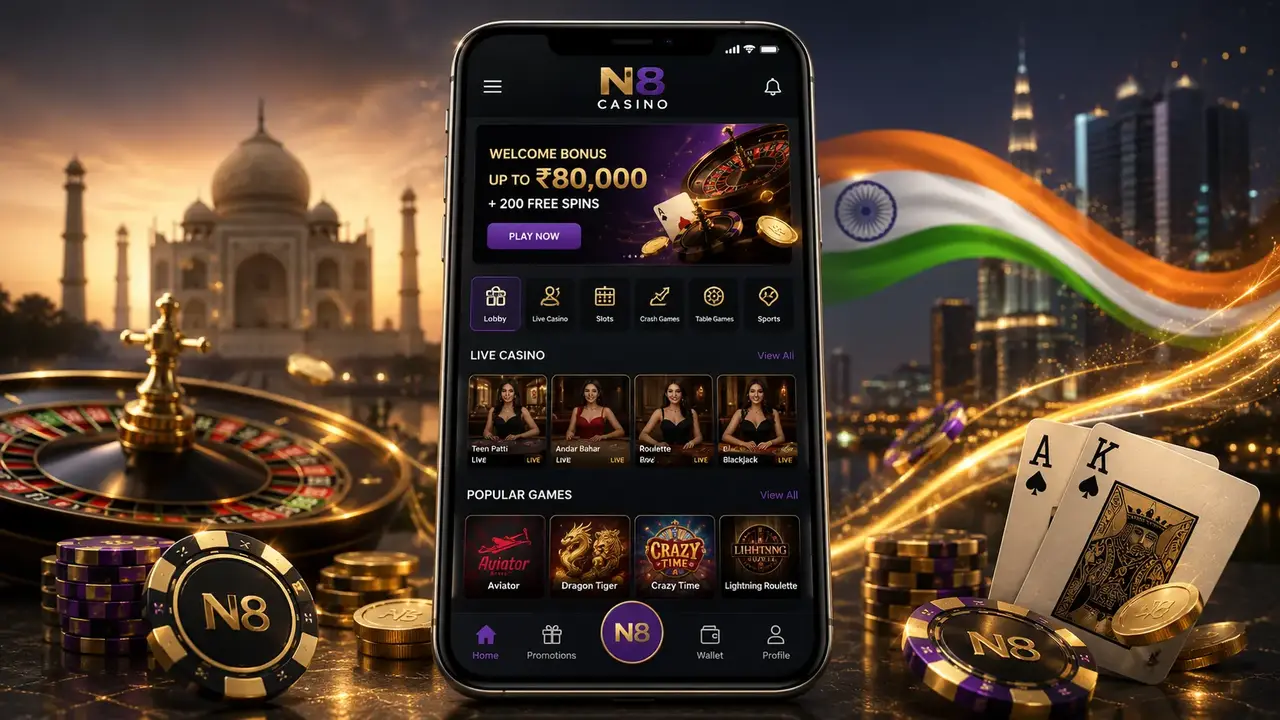
The N8 Android app is installed via an APK file, so it won’t appear in the Google Play Store. For safety, download only from the official N8 website and avoid third‑party APK sites. Use a stable Wi‑Fi connection and keep enough free storage before you start. Do not install files shared on Telegram/WhatsApp or from shortened links.
If your phone blocks the installation, you’ll need to temporarily allow your browser to install unknown apps. You can switch this permission off again right after setup.
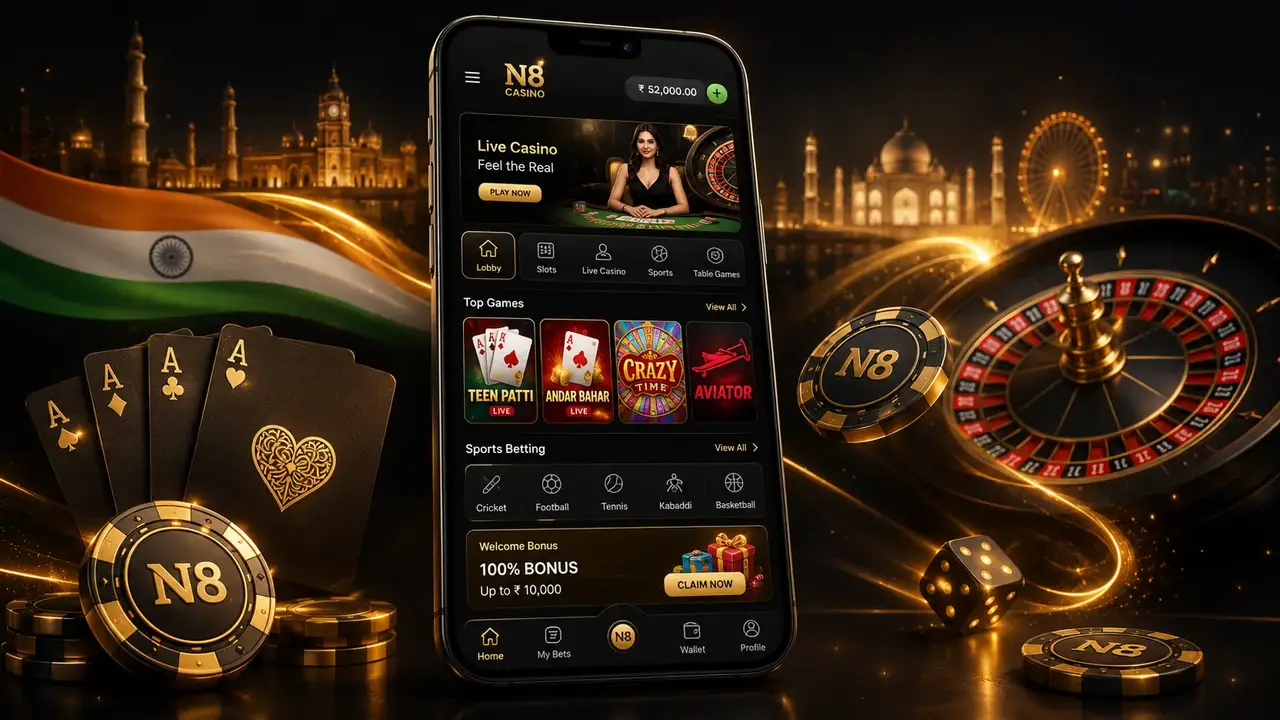
Once installed, open N8, sign in (or create an account), and test a game first before making a deposit. For India payments, keep your mobile number active for OTPs and support checks.
- Step 1: Open your mobile browser and go to the official N8 site via this download page, then find the Android (APK) download button.
- Step 2: Tap Download and wait for the APK file to finish downloading (check your notification bar or Downloads folder).
- Step 3: If Android blocks the install, allow “Install unknown apps” for your browser in Settings, then return to the APK and continue the installation.
- Step 4: Open the N8 app from your home screen, log in or register, and confirm everything works before adding funds.